Where Most Ideas Get Stuck
You have an idea. Perhaps an app for a service that irritates you every week, a platform for the industry you have worked in for fifteen years, or simply a better way of running the operations inside your own business.
The idea feels obvious. What comes next does not. Most people at this point hold the same unanswered questions: is it actually useful to anyone else, who exactly will use it, which features should be built first, what will it cost, how long will it take, and should it be an app or a website?
None of those are answered by writing code. Moving from idea to product is not primarily a technical exercise — it is a sequence of decisions about the problem, the user, the scope and the order of building, with the technical work somewhere in the middle rather than at the start.
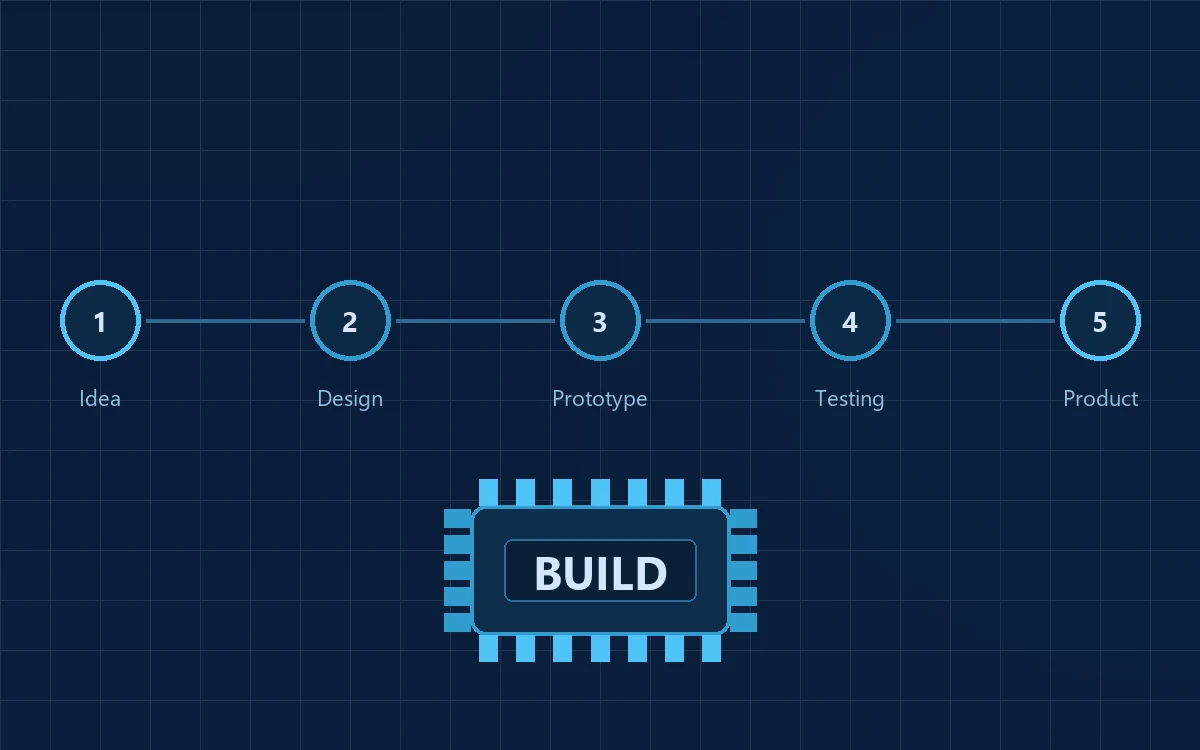
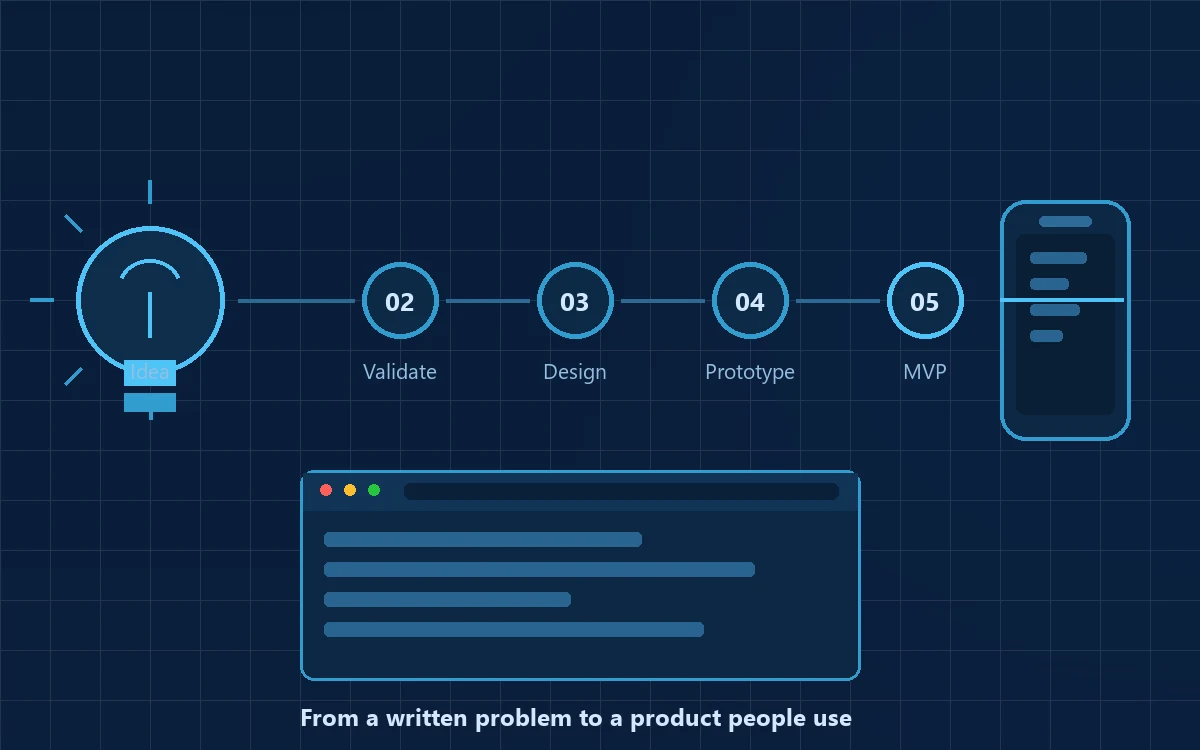
The full path: Idea → Problem → Validation → Research → Feasibility → Product planning → UX/UI → Prototype → MVP → Testing → Development → Launch → Feedback → Iteration
One thing is worth saying early, because it saves money: not every idea should immediately become a full product. Some need testing cheaply first, some reshaping into a different solution to the same problem. A good process helps you find that out early rather than after eight months of building.
What “Idea to Product” Actually Means
The confusion usually comes from vocabulary. People use “idea”, “prototype”, “MVP” and “product” interchangeably, then find themselves comparing quotations for entirely different things. These are distinct stages.
| Stage | What it means | What it achieves | Typical output |
|---|---|---|---|
| Idea | An intention or opportunity, still unstructured | Capture the thought clearly enough to examine it | A written note or one-page description |
| Concept | The idea shaped into a defined solution for a defined user | Establish what is solved, for whom, and roughly how | Concept note, user definition, feature outline |
| Prototype | A visual or clickable simulation | Demonstrate the concept and collect feedback before building | Wireframes, clickable screens, proof of concept |
| MVP | A real, working product with only core functionality | Solve the main problem and learn from actual usage | Live application with the essential journey working |
| Product | Full feature set, roles and integrations | Serve the wider user base reliably | Full platform with admin, reporting and support |
| Scalable product | Engineered for growth in users, data and geography | Sustain volume, performance, security and change | Scaled infrastructure, automation, deeper analytics |
Reading down that table, one point stands out: the value of each stage is the learning it produces, not the artefact itself. A prototype nobody reviews is a waste; an MVP nobody uses teaches you nothing. Each stage exists to reduce the risk, and the cost, of the next.
Define the Problem and the Users
Start with the problem, not the technology
Before any discussion of apps, frameworks or databases, the problem needs to be written in plain language. Six questions are usually enough:
- What problem are we solving? One sentence, no jargon.
- Who has this problem? A specific group, not “everyone”.
- How frequently does it occur? Daily annoyances get solved; annual ones rarely do.
- How are people solving it today? There is always a current method, even if it is a notebook.
- Why is the current method inadequate? Cost, time, errors, delays, missed revenue.
- Is it important enough to change behaviour? People switch only when the gain is obvious.
An example: a coaching institute says “we want an app”. Ask the six questions and the real problem appears — attendance is on paper, parents ring the office to check whether their child attended, and the office spends two hours a day answering those calls. That is a well-defined problem with a measurable cost, and it points to a far smaller and more useful product than the “app” originally imagined.
An interesting idea is not the same as a product opportunity. The test is not “is this a good idea?” but “does someone feel this problem often enough, and strongly enough, to change what they do today?”
Identify who actually uses it
Products are used by people in different roles, and those roles rarely want the same thing. Primary users need the fastest path; secondary users check in occasionally; decision makers care about cost, control and reporting; administrators configure the system and answer for the data in it.
In a field-service product the technician wants two taps and offline capability, the operations manager wants scheduling and exceptions, and the owner wants a monthly summary. All three are legitimate and all three cannot be first priority. Deciding whose experience leads is a product decision, and it belongs here, before design begins.
Validate the Idea and Research the Market
Validation is the cheapest insurance available: small, quick activities that test your assumptions before you commit serious money.
- Customer interviews — ten honest conversations with people who have the problem. Ask what they did last time it occurred, not whether they like your idea.
- Surveys — useful for measuring how widespread a pattern is, once interviews have told you what to ask.
- Landing pages — describe the solution publicly and see whether anyone asks for it.
- Competitor research — sometimes validation arrives as the discovery that three companies already do this well.
- Prototype testing — put clickable screens in front of five real users and watch where they hesitate.
- Small pilots — run the service manually for a few customers before automating it.
Your competition is wider than you think
Competitors are not only companies building similar software. They include existing products, manual processes, spreadsheets, WhatsApp groups, offline services and doing nothing at all. Spreadsheets in particular are the most successful competitor in the world: free, flexible and already understood.
If the honest answer to “why would someone use your product instead of what they already use?” is “because it is newer”, the differentiation is weak. Strong answers sound like: it removes a step people hate, it produces a record they currently reconstruct by hand, or it costs less than the errors it prevents.
What validation is and is not: it does not prove everyone will buy. Its purpose is narrower and more useful — to reduce uncertainty before significant investment, so the money you spend goes on the version most likely to work.
Check Feasibility and Define Requirements
Feasibility asks whether this can be built, run and sustained. Where an answer does not exist yet, the question is a research and development problem before it is a build. Five plain questions cover it:
| Type | The question it answers |
|---|---|
| Technical | Can it be built with available technology? What is required — APIs, hardware, data, infrastructure? Are the integrations you assume actually available and documented? |
| Business | Does it support a workable model — pricing, margins, cost of acquiring and serving a customer? |
| Operational | Can your organisation run it? Someone must onboard users, answer questions and handle exceptions. |
| Financial | Can the build, launch and first year of operation be funded without stopping midway? |
| Scalability | If usage grows ten times, does the design hold, or does it need rebuilding? |
The technical questions are the ones most often skipped and they matter most. Whether a data source has a public API, whether a device must be sourced and certified, whether a machine-learning approach has enough training data — each can change the shape and cost of a product substantially, and each is far cheaper to discover in a two-week feasibility exercise than in month four of development.
On regulated products: if your product touches health data, financial transactions, lending, insurance, children's data or personal data at scale, regulatory requirements may apply and can influence architecture and timelines. This article is general guidance, not legal advice — for regulated categories, obtain qualified counsel early.
Writing the requirements
Requirements documentation has a poor reputation because it is often done badly, as a long vague wish list. Done properly it is the most cost-saving document in the process. A workable set covers the problem statement and user journeys, functional requirements screen by screen, non-functional requirements (speed, uptime, security, device support), data and integrations, reporting and notifications, and security and access rules.
Then comes the discipline that decides your budget: separating must have from nice to have. If a feature does not serve the main journey of the primary user, it belongs in a later phase — written down, not deleted, so the vision is preserved without inflating the first build.
Decide What to Build First
Prioritisation is where cost, complexity and risk are actually controlled. Two simple methods work well and need no training.
MoSCoW sorts every requirement into four buckets — Must have (the product is pointless without it), Should have (important but not blocking), Could have (valuable if effort permits) and Later (deliberately deferred).
The value–effort view plots each feature by how much it matters to the core problem against how much work it requires. High value with low effort gets built first. Low value with high effort is the quiet destroyer of first products, and should be postponed without guilt.
Why building everything at once backfires: twenty features do not cost twice what ten cost — they cost considerably more, because the connections between them multiply. Worse, a large first release delays the moment you learn whether the core idea works at all.
Design, Prototype and Build the MVP
UX and UI are not the same thing
UX is how the product works — its structure, the path a user takes, how many steps a task requires, what happens when something goes wrong. Good UX is usually invisible: the user simply finishes what they came to do. UI is how it looks — typography, colour, spacing, states. Good UI communicates hierarchy and builds confidence.
Two aspects deserve more attention than they get. Mobile responsiveness is not optional, because most users will meet your product on a mid-range phone over a patchy connection. And accessibility — adequate contrast, sensible font sizes, labelled fields, keyboard navigation — widens your usable audience and improves the experience for everyone.
Design should be completed before extensive development for one straightforward reason: changing a screen in a design file takes minutes; changing the same screen after it is built takes days.
The prototype
A prototype is a simulation built to be examined and criticised before development begins. It might be a wireframe, a clickable set of designed screens, a limited functional build, or a proof of concept testing whether a difficult part can work at all.
One clarification, because it causes real disappointment: a prototype is not the final product. It usually has no database, no real logic and no security. Its value lies in what it teaches you, not in what it contains.
The MVP
A Minimum Viable Product contains just enough functionality to solve the core problem for real users. Instead of thirty features across five modules with ten integrations, you build the core user journey end to end, basic administration, the necessary data capture and the few reports someone will actually open.
MVP does not mean poor quality. This is the most damaging misreading of the term. An MVP has a narrow scope, not low standards. A broken product does not produce useful learning — it only produces users who will not return.
Development and Testing
By this stage most of the risky decisions have been made. A typical build involves the interface users see, the logic and rules behind it, the database, connections to other systems, sign-in and permissions, cloud infrastructure, an admin dashboard, notifications and payment handling where money is involved.
On technology selection, one principle covers most situations: technology should be chosen to fit the requirements, not the other way round. The question to ask a development partner is not “which technology do you use?” but “why is this the right choice for what we are building?”
Testing is not a phase at the end
| Type of testing | The question it answers |
|---|---|
| Functional | Does each feature do what the requirement says? |
| UI | Does every screen render correctly, in every state, at every size? |
| Usability | Can a real user complete the task without being told how? |
| Performance | Is it acceptably fast under realistic load and on a weak connection? |
| Security | Is data protected and access controlled? |
| Integration | Do connected systems behave correctly — including when one fails? |
| User acceptance | Does the customer agree this is what they asked for? |
Defects found early are cheap. The same defect found after launch costs far more, because by then it has probably produced incorrect data and workarounds people have built habits around.
Launch, Learn and Scale
Launching is not the act of uploading software. It is the point at which the product becomes something other people depend on, and it has its own checklist: a production environment separate from development, deployment with credentials in your name, a database with a tested restore procedure, HTTPS and role-based access, verified backups, monitoring and error reporting, analytics, a first-run experience, documentation, and a defined support route.
A controlled launch is almost always better. Release to a pilot group — one branch, fifty users, a friendly customer — observe, fix what surfaces, then widen.
Build → Measure → Learn → Improve. After launch the product stops being a plan and starts being evidence.
Watch direct feedback, analytics on what people actually do, support requests, which features are ignored, and drop-off points where users abandon a task. If eighty per cent of users abandon a five-field form, that is not a user problem — it is a design instruction. A question support answers ten times a week is usually a missing piece of interface.
Scaling becomes appropriate once the signals are consistent: users returning, the core problem genuinely being solved, demand appearing without being pushed. Scaling an unvalidated product is one of the most expensive mistakes available.
What It Costs and How Long It Takes
There is no single answer, and any figure quoted before scope is defined is a guess wearing a suit. Cost is driven by scope and number of user roles, platforms (web, mobile or both), design depth, backend complexity, integrations, security and infrastructure, testing depth, third-party licences, and maintenance over the product's life.
A prototype, an MVP and a full product occupy genuinely different cost brackets — often separated by a multiple, not a margin. Two proposals with very different numbers usually describe two very different products, and the cheaper one frequently excludes design, testing, deployment, documentation or post-launch support. Define the scope first, then compare like with like.
On timelines, a clickable prototype is normally the fastest visible output, MVP development is the longest single stage, and iteration is continuous. Two factors reliably stretch schedules and neither is technical: slow decisions and changing scope. Content, approvals and third-party access sit on the customer's side of the table, and a project waiting for a decision costs exactly as much as a project being built.
Fifteen Common Mistakes
These patterns appear most often when a first product does not work out. Almost all are avoidable, and most cost nothing to avoid.
- Building before validating — committing the full budget before speaking to a single potential user.
- Trying to build everything at once — expensive, slow, and hard to learn from.
- Focusing only on technology — choosing a stack before the problem is defined.
- Ignoring users — designing from assumptions rather than observed behaviour.
- Copying competitors — feature-for-feature replication gives nobody a reason to switch.
- Not defining the target customer — “everyone” produces a product that suits nobody.
- Ignoring UX — treating design as decoration applied at the end.
- Underestimating testing — saving a fortnight, then spending two months on production defects.
- Technology without requirements — selecting tools by popularity.
- Not planning ownership — source code, domains and accounts undefined until a dispute arises.
- Ignoring security — postponing access control and backups until real data is inside.
- Not planning maintenance — budgeting for the build alone.
- Spending too much too early — branding and marketing before the product is proven useful.
- Uncontrolled scope changes — continuous additions without impact assessment.
- Treating launch as the finish — it is where learning begins.
Prototype, MVP or Full Product?
The right starting point depends on how much you already know, and how much of that is evidence rather than assumption.
| Your situation | Recommended starting point |
|---|---|
| The idea is still uncertain — you are unsure who wants it or why | Validation first, then a lightweight prototype if the signals hold |
| You need to demonstrate the concept to partners or investors | Prototype — clickable screens that make the concept tangible |
| You need real users to test whether the solution works | MVP — a working product with the core journey only |
| Validation is strong and requirements are documented | Full product development, delivered in phases |
| A product already exists and needs new capability | Iterative development on the existing base |
| You have an internal process problem rather than a market product | Requirements and workflow mapping, then a focused internal tool |
Choosing a development partner
Whatever you shortlist, the same checklist applies. Note how comfortable each firm is answering these — the manner of the answer is itself information.
- Understanding of the business problem — do they ask about your customers, or only about features?
- Product thinking — will they tell you what not to build first?
- Requirement documentation — is scope written down before work starts?
- Testing and security practices — described concretely, not as reassurance
- Source-code and data ownership — yours, stated in the agreement
- Hosting and account access — in your name, with you holding the credentials
- Documentation — enough for another team to take over if ever required
- Maintenance and support — defined terms and response expectations
The cheapest quotation is not always the lowest total cost. A low number often achieves itself by excluding design, testing, deployment, documentation or support. Compare inclusions before comparing figures.
A Worked Example
The following is an illustrative scenario, written to show how the process works in practice.
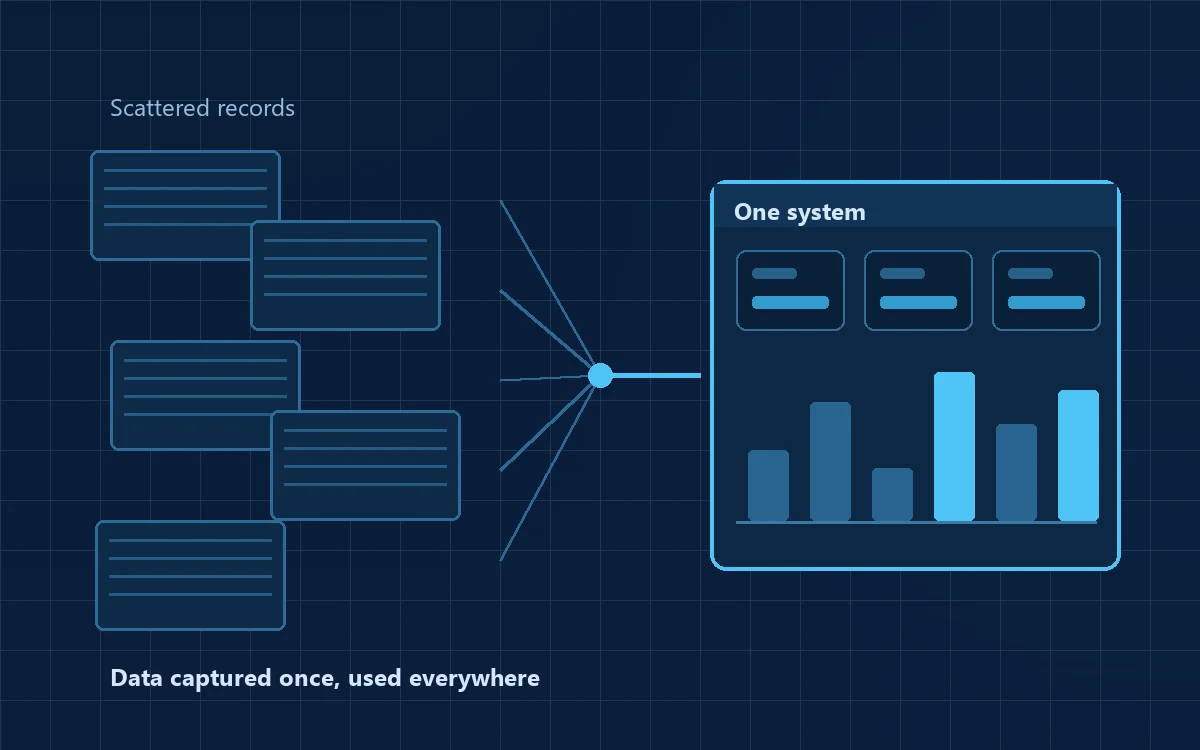
A mid-sized business receives enquiries by phone and WhatsApp. Details are typed into an Excel sheet at the end of the day — sometimes. Follow-ups depend on whoever remembers. Monthly reports are assembled by hand and are usually a week out of date. Nobody can answer a simple question: how many enquiries did we receive last month, and how many did we convert?
| Stage | What happened |
|---|---|
| Problem | Enquiries captured inconsistently, follow-ups missed, reporting manual and slow. |
| Requirements | Capture an enquiry in under thirty seconds; assign an owner; schedule a follow-up; record the outcome; produce a monthly summary. Three roles. |
| UX/UI | A single-screen entry form, a “my follow-ups today” landing page, one manager dashboard. Mobile-first. |
| Prototype | Clickable screens reviewed with two executives. Two fields removed, one status renamed to match the team's own language. |
| MVP | Capture, assignment, reminders, outcome tracking, one report. No integrations, no analytics module, no billing. |
| Launch | Piloted with one team for a fortnight, old sheet maintained in parallel, then extended once the numbers matched. |
| Improve | Phase two: WhatsApp capture, duplicate detection, source-wise reporting, weekly email summary. |
Notice what did not happen: nobody built a CRM with thirty modules. The first version solved one problem well for one team, and the second phase was decided by what those users actually asked for. That is the whole argument for working this way.
How MPRO 9 Approaches Idea to Product
MPRO 9 works with entrepreneurs, startups, MSMEs, established businesses and research groups to move an idea or a business problem towards a practical digital product. The approach is deliberately the one described throughout this article: understand the problem first, decide carefully what to build, and build that well.
- Understand — the idea, the problem behind it and the outcome you expect
- Clarify — users, roles, workflows, constraints and success measures
- Explore — possible solutions, alternatives and technical feasibility
- Define — scope, features, data and integrations
- Plan — what to build first, and what is deliberately deferred
- Design — user flows, wireframes and the UX/UI of the core journey
- Prototype or MVP — where appropriate, before committing to a full build
- Develop — frontend, backend, database, APIs, admin and infrastructure
- Test — functionality, usability, performance, security, acceptance
- Deploy and improve — launch support, handover, then the next phase
People arrive at different points on that path and all of them are valid starting positions — an idea with no technical plan, a business problem rather than a product concept, a rough early version that needs to become real, or documented requirements that need a development team. Alongside this work we deliver web development and AI and application development, so the same team can carry a project from the first conversation to a maintained, running product. You can see examples on our work.
What we do not claim: no development partner can guarantee product-market fit, funding or commercial success, and any firm offering such a guarantee is worth questioning. What a capable partner can do is help you reduce uncertainty early, spend in the right order, and build a product that works properly for the people it is meant to serve.
Conclusion
Ideas are common and rarely the constraint. What separates products people use from the ones that quietly disappear is the process applied between the idea and the launch.
Idea → Validate → Design → Prototype → MVP → Test → Launch → Learn → Improve
Follow it and you will spend less, learn sooner and build something people can genuinely use. Skip it and you will most likely build the full version of an idea nobody tested — the most expensive way to discover a detail you could have found in a fortnight.
Start small. Test early. Build what matters. Then improve it. For a shorter, stage-by-stage view of the same journey with an engineering emphasis, see our product development roadmap.