What Is WebAR?
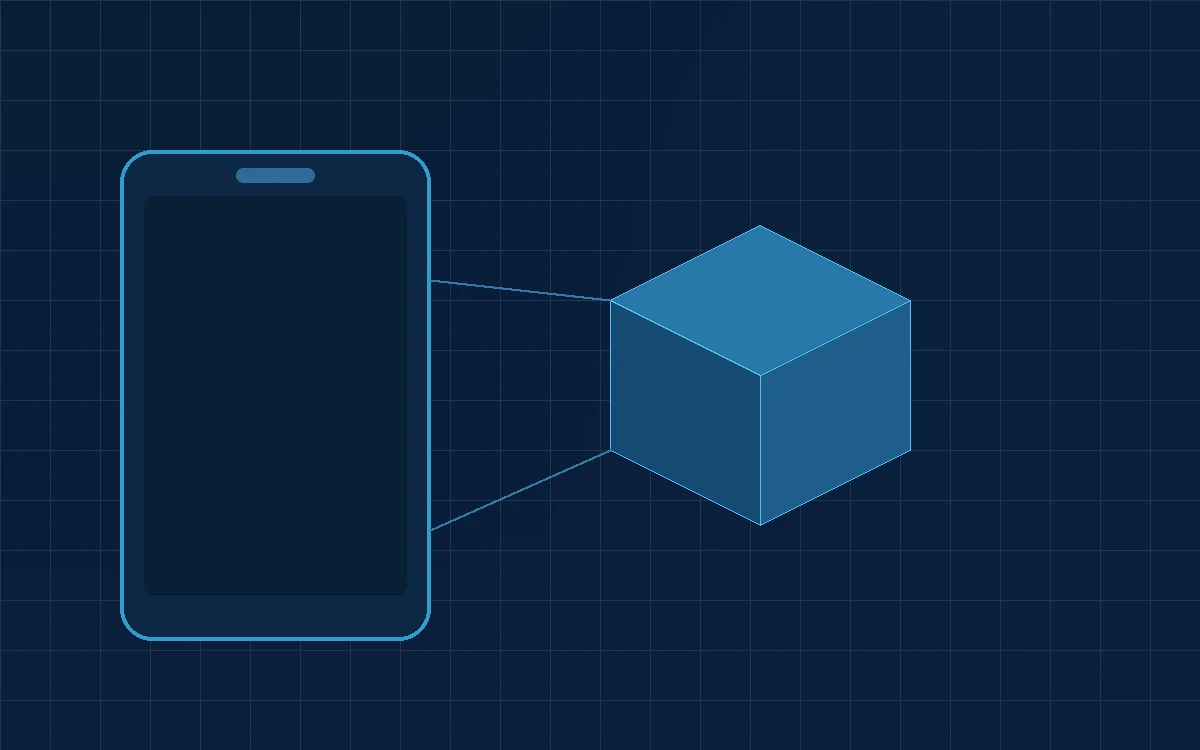
WebAR is augmented reality that runs in a normal mobile browser. The customer taps a link or scans a QR code, grants camera access, and a 3D object appears anchored in their real surroundings. Nothing is installed.
That single difference — no app — is what makes it commercially interesting. App-based AR can be more capable, but it asks the customer to visit a store, download, install and open before they see any value. For a customer standing in front of a product or holding a printed brochure, that is usually enough friction to end the interaction.
How WebAR Works
Three technologies do the work:
- WebXR is the browser API that provides camera access and real-world tracking. It is supported in Chrome on Android and, through the platform's own AR Quick Look pathway, on iOS.
- glTF and USDZ are the 3D model formats. glTF (or its compressed .glb form) is the web standard; USDZ is the format Apple devices use for AR Quick Look. A cross-platform experience needs both.
- A renderer — commonly the
<model-viewer>web component or a Three.js scene — displays the model and manages the AR session.
The typical flow: the page loads a lightweight 3D preview the visitor can rotate; tapping “View in your space” hands off to the device's AR session; the model is placed on a detected surface at true physical scale.
Scale is the detail that sells it. A model exported at correct real-world dimensions is what turns a novelty into a genuine purchase aid.
Where WebAR Delivers Value
WebAR is most useful where physical context or physical scale is part of the buying decision.
Product visualisation before purchase
Furniture, appliances, fixtures and equipment placed in the customer's actual room. This answers the questions photographs cannot: will it fit, and does it suit the space.
Industrial and technical equipment
Machinery that is impractical to demonstrate on site can be placed at full scale in a customer's facility during a sales conversation, including clearance and access checks.
Packaging and print
A QR code on a package, brochure or exhibition stand that opens a 3D explanation, an assembly walkthrough or a product demonstration.
Training and instruction
Step-by-step maintenance sequences overlaid on the equipment itself, viewed on a phone rather than read from a manual.
Exhibitions and showrooms
Presenting a full product range from a stand that can only physically hold two or three units.
Technical Requirements
The 3D model is the project
Most of the effort and most of the cost sits here. A model suitable for WebAR must be dimensionally accurate, optimised to a low polygon count, use baked lighting and compressed textures, and be exported in both glTF and USDZ.
CAD models are almost never usable directly. A CAD assembly may contain millions of triangles and internal geometry no one will ever see; it has to be retopologised and baked down to a web-ready asset. Budget for this properly — it is the step most often underestimated.
File size discipline
Target under 5 MB per model, and lower where you can. Customers open these on mobile data, and a model that takes fifteen seconds to appear will not be waited for. Draco mesh compression and KTX2 texture compression both make a large difference.
Delivery requirements
- HTTPS is mandatory. Browsers will not grant camera access otherwise.
- Provide a non-AR fallback. Not every device supports AR; an interactive 3D viewer on the page should always work.
- Explain the camera prompt. A short line of copy before the permission dialog measurably improves acceptance.
Planning a First WebAR Project
Choose products where AR answers a real question
Start with items where size, fit or appearance in context genuinely affects the decision. A wardrobe benefits; a cable does not.
Decide what success means before you build
Useful measures include AR session starts as a share of page visits, time spent in the session, and conversion rate for visitors who used AR versus those who did not. Instrument these from launch.
Pilot narrowly
Three to five products is enough to validate the model pipeline, the hosting setup and the customer response before committing to a full catalogue.
Plan the asset pipeline, not just the launch
If the range changes seasonally, the cost of producing and updating models is a recurring line item. Establishing a repeatable CAD-to-glTF process early is what makes the second wave of products affordable.
Honest Limitations
WebAR is genuinely useful, but it is worth being clear about where it falls short.
- Tracking is good, not perfect. Poor lighting, featureless floors and reflective surfaces all degrade placement stability.
- Occlusion is limited. On most devices the virtual object will not be correctly hidden behind real objects, which can break the illusion.
- Platform behaviour differs. The iOS and Android AR pathways are not identical, and both need testing on real hardware rather than a desktop emulator.
- Colour accuracy is approximate. Rendered materials under a customer's room lighting should not be treated as a colour-matching tool.
- Battery and thermal cost. AR sessions are demanding; long sessions warm the device noticeably.
Conclusion
WebAR removes the single biggest obstacle to commercial AR: the app install. When a customer can see a product at true scale in their own space from a link or a QR code, AR becomes a practical sales tool rather than a demonstration piece.
The engineering that matters is mostly in the 3D asset pipeline — accurate dimensions, aggressive optimisation and both export formats. Start with a handful of products where scale genuinely affects the decision, measure whether it changes behaviour, and expand from evidence.
Building that asset pipeline and the experience around it is our WebAR and immersive experience work.